Flat Pattern vs Finished Drawing: What to Send
Why laser cutting needs a flat DXF and bending needs the finished dimensions too
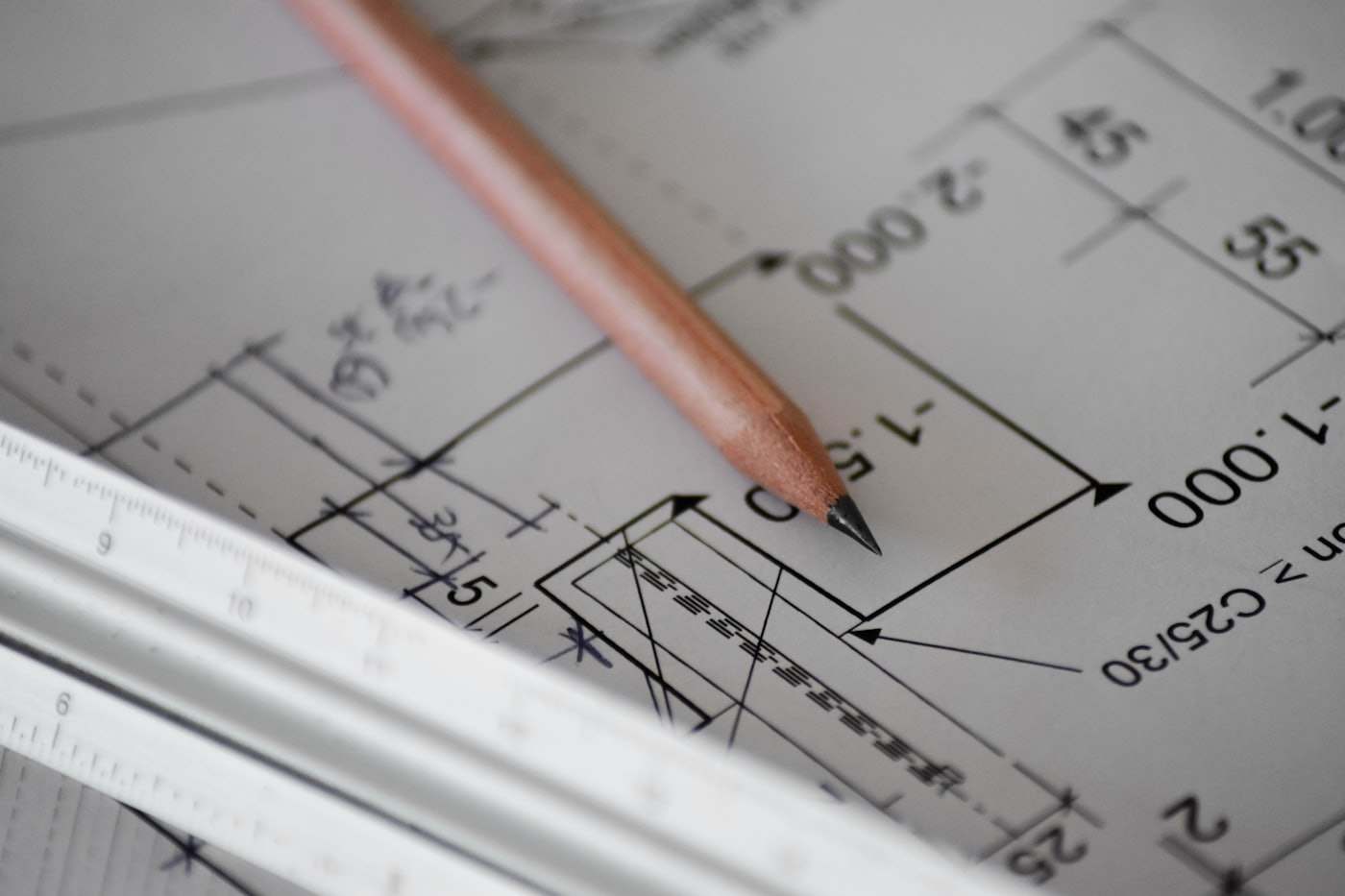
A flat pattern is the unfolded, 2D shape of a sheet metal part before bending, used directly for laser cutting programming; a finished drawing shows the part's final 3D dimensions after bending, including bend angles and overall envelope. Sending the wrong one, or only one when both are needed, is the most common cause of quoting delays on sheet metal parts.
For a flat part with no bends, a flat pattern (DXF) alone is enough. For a bent part, CutLinq needs both the flat pattern for cutting and either a folded 3D model (STEP) or a dimensioned finished drawing (PDF) to program the bends correctly.
What a flat pattern shows
A flat pattern is a DXF file showing the part laid flat: all cut edges, hole positions, and bend lines (shown as thin reference lines, not cut) at their correct unfolded position. The bend line positions are calculated using the material's bend allowance or K-factor, so a flat pattern is only accurate for one specific material and thickness.
A flat pattern alone tells a supplier what to cut but not what angle to bend to, or which direction (up or down) each bend line folds.
What a finished drawing adds
A finished drawing (or 3D model) shows the part in its final, bent state: overall height, width and depth, bend angles (commonly 90 degrees but not always), bend direction, and any features that only make sense in 3D such as a hole positioned on a bent flange relative to another face.
Without this, a supplier must guess bend direction and angle, which risks a part that does not match the intended assembly, especially for parts with more than one bend.
| Document | Shows | Needed for |
|---|---|---|
| Flat pattern (DXF) | Cut geometry, unfolded | Laser/punch programming |
| Finished drawing (PDF) | Final dimensions, angles | Bend direction and sequence |
| 3D model (STEP) | Full folded geometry | Complex or multi-bend parts |
Worked example: an L-bracket
An L-bracket with one 90-degree bend needs a flat pattern showing the two flange lengths unfolded into one flat strip with a bend line marked, plus a simple note or sketch showing the bend goes upward and the final angle is 90 degrees. For a part with three or more bends in different directions, a full finished drawing or 3D STEP model becomes necessary, since the bend sequence itself affects whether the part is physically formable on a press brake.
Sending only a finished 3D model without a flat pattern is also workable: CutLinq's engineering can unfold it, though supplying the flat pattern directly speeds up quoting since no unfolding step is needed.
When only one document is enough
A flat, unbent part (a plate, a laser-cut panel with no forming) needs only a DXF flat pattern. A part with a single simple bend and no critical hole-to-bend positioning can often be quoted from a flat pattern plus a one-line note on bend angle. Anything with multiple bends, tight positional tolerances between a hole and a bent face, or countersunk features near a bend line should include a full drawing or 3D model.
Design tips
- Send a DXF flat pattern for any part with no bends; it is sufficient on its own.
- For single-bend parts, add a one-line note on bend angle and direction to the DXF.
- For 3 or more bends, send a STEP model or fully dimensioned drawing, not a flat pattern alone.
- State the material and thickness used to generate the flat pattern, since bend allowance changes with both.
- Mark bend direction (up/down) explicitly on the drawing rather than assuming it is obvious.
- Keep holes at least 2.5x material thickness from a bend line to avoid distortion during forming.
- If your CAD software exports a flat pattern automatically, verify the K-factor setting matches CutLinq's default before sending.
Applications
| Industry | Example parts | Typical material |
|---|---|---|
| Electrical | Panel enclosures, brackets | Mild steel, 304 stainless |
| HVAC | Duct brackets, mounting plates | Galvanised steel DX51D |
| Furniture | Bent frames, legs | Mild steel, aluminium |
| Machinery OEM | Guards, covers | S235JR |
| Signage | Bent letter housings | Aluminium 5754 |
| Solar | Mounting brackets | Galvanised steel, aluminium |
Pricing and lead time
Quoting speed is driven by three factors: whether a flat pattern is provided directly versus needing to be unfolded, the number of bends and their complexity, and whether tolerances near bend lines are specified. Simple flat or single-bend parts are typically quoted within 12 hours and produced in 3-5 working days; multi-bend parts needing a finished drawing add roughly 1-2 working days to quoting if the drawing must be requested.
Frequently asked questions
For a single simple bend, a DXF plus a short note on bend angle and direction is often enough; for multiple bends, a finished drawing or 3D STEP model is needed to avoid ambiguity.
Upload your flat pattern DXF or STEP model to receive a binding quote within 12 hours.